
How to Fix iPhone SE Charging Port (Repair, Cleaning & Replacement Guide)
Is your iPhone SE not charging when you plug it in? Maybe the cable only works if you hold it at a very specific angle, or the charging port feels loose and wobbly. Few things are more frustrating than watching your battery drain while your phone refuses to accept a charge. You plug it in, expect a full battery in the morning, and wake up to a dead phone.
In this guide, you’ll learn how to handle an iPhone SE charging port repair, when simple cleaning works, and when a full replacement is required. We will walk you through the exact steps to troubleshoot the issue, compare repair costs, and explore whether a DIY fix makes sense for you. Let’s get your phone powering up properly again.
This guide applies to iPhone SE (1st generation 2016), iPhone SE (2nd generation 2020), and iPhone SE (3rd generation 2022). Repair difficulty and cost may vary slightly by model.
Table of Contents
Common iPhone SE Charging Port Problems
Before we dive into solutions, let us identify the exact problem. Charging port issues usually show up in a few recognizable ways. Recognizing the symptoms helps you figure out the best fix.
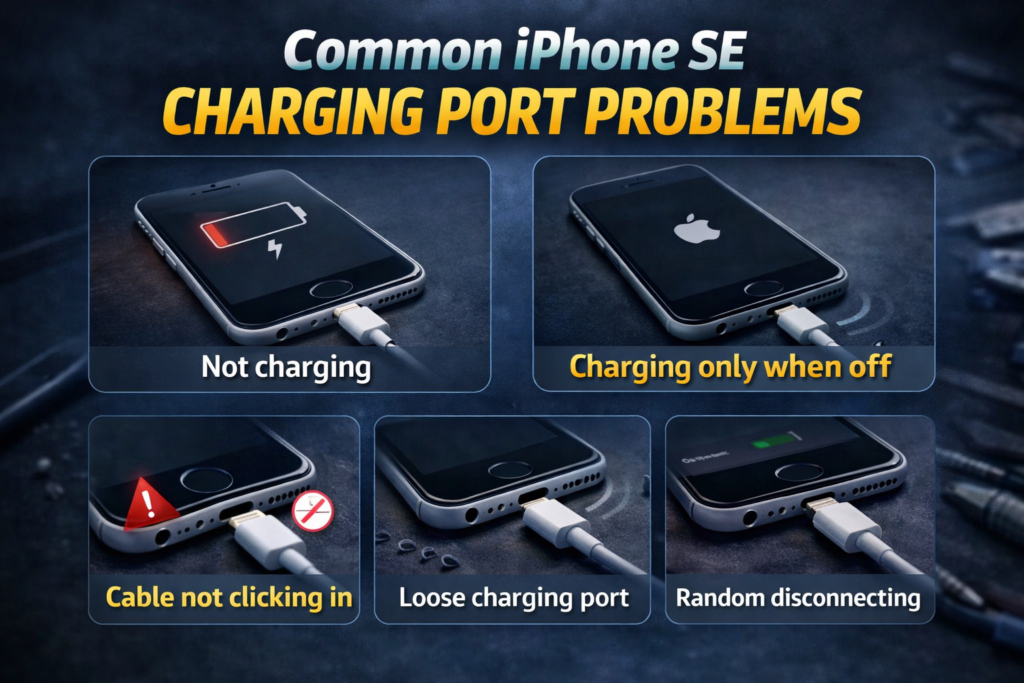
- iPhone SE not charging: You plug in the cable, but the battery icon does not change. Nothing happens.
- Charging only when turned off: This strange behavior happens when the device cannot process the charge while the operating system is running. If your device charges only when off, it points to a specific hardware or deep software conflict.
- Cable not clicking in: When you push the Lightning cable into the port, it feels mushy. You do not hear or feel that satisfying “click.”
- Charging port loose: The cable goes in, but it wiggles around easily. The connection feels completely unstable.
- Random disconnecting: The phone starts charging, but stops a few seconds later. You have to constantly reposition the cord.
If you experience any of these symptoms, your charging port needs attention. The good news is that many of these issues do not require a costly repair.
Why iPhone SE Charging Port Stops Working
To fix the problem, we need to know what caused it. iPhone SE charging ports are exposed to the elements every single day. Here are the most common reasons your port stops working:
- Pocket lint and dust buildup: Every time you slide your phone into your pocket or bag, a tiny bit of lint enters the port. Over time, pushing the charger in compacts this lint into a hard wall at the bottom of the port, blocking the connection.
- Bent Lightning pins: Inside the port are delicate metal pins that connect with your cable. If you yank the cord out roughly or force a charger in upside down (which is hard but possible), these pins can bend or break.
- Liquid damage: Water, sweat, or even high humidity can corrode the metal contacts inside the charging port.
- Cheap or damaged charging cable: Sometimes the port is fine, but the cable is frayed internally or not MFi-certified by Apple.
- Software glitch: Sometimes the hardware is fine, but iOS fails to recognize the charger. In extreme cases, a phone might appear stuck on charging screen due to a software crash rather than a broken port.
- Battery degradation: If your battery is completely worn out, it might refuse to hold a charge, making it look like a port issue.
How to Clean iPhone SE Charging Port Safely
If your cable does not click in, pocket lint is the likely culprit. You can clean an iPhone SE charging port at home in just a few minutes.
Follow these step-by-step instructions to clean your port safely:
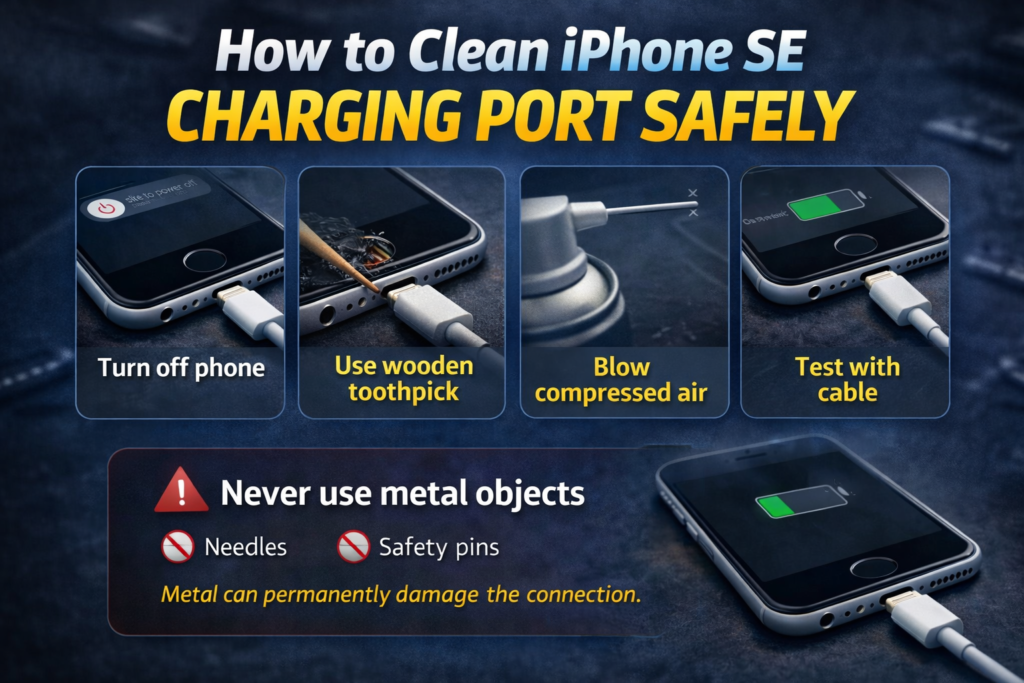
- Turn off your iPhone SE: Always power down your device before cleaning the port to avoid short-circuiting the electronics.
- Use a wooden toothpick (NOT metal): Find a clean, thin wooden or plastic toothpick.
- Gently remove debris: Insert the toothpick carefully into the port. Scrape gently against the back wall and corners to loosen compacted lint. Pull the debris outward.
- Use compressed air: Hold a can of compressed air a few inches away from the port and give it a few short, quick bursts. Keep the can completely upright to prevent liquid from spraying into the phone.
- Test with certified cable: Power the phone back on and plug in a known working, MFi-certified Apple cable.
Warning: Never use needles, paper clips, safety pins, or any sharp metal objects to clean your port. Metal can scratch the delicate connection pins and cause permanent electrical shorts.
For more tips on maintenance, check out our guide on how to clean iPhone charging port safely.
When Does iPhone SE Charging Port Need Replacement?
Sometimes cleaning is not enough. Hardware breaks, and charging ports endure a lot of physical stress. If you have a charging port not working even after a thorough cleaning, you might need a new part.
Look for these clear signs that your port needs a replacement:
- Visible bent pins: Shine a flashlight into the port. If you see broken or mangled gold pins, the port is dead.
- Corrosion inside port: Green or black crust inside the port indicates liquid damage and corrosion.
- Port wobbling: If the internal mechanism itself shifts around when you plug the cable in, the internal mounting brackets are broken.
- No charging after cleaning: You removed all the lint, tried a new cable, and it still will not charge.
- Burn marks: Any sign of burning or melting near the port means you must stop using it immediately and get it replaced.
The charging port on the iPhone SE is attached to a larger internal flex cable that also houses the microphone and speaker connections. Replacing it means swapping out this entire flex cable assembly.
iPhone SE Charging Port Repair Cost (2026)
If you need a replacement, knowing the iPhone SE charging port replacement cost helps you budget.
The iPhone SE charging port repair cost typically ranges from $49 to $199 depending on the model (SE 1st, 2nd, or 3rd generation) and whether you choose Apple or a third-party repair shop.
Here is a breakdown of what you can expect to pay:
| Repair Option | Estimated Cost |
| Apple Repair | $199 – $269 |
| Third-Party Shop | $49 – $120 |
| DIY Replacement | $15 – $50 |
If you want to dive deeper into these pricing models, you can read our full breakdown on the charging port repair cost.
Apple vs Third-Party Repair for iPhone SE
Deciding where to take your phone is a big choice. Should you go to the Apple Store or a local repair shop? When comparing Apple vs local repair, each option has specific pros and cons.
Apple Official Repair
- Pros: You get 100% genuine Apple parts, and the repair comes with a warranty. If they break the phone during the repair, they replace it.
- Cons: It is the most expensive option. Unless you have AppleCare+, an out-of-warranty charging port fix on an older SE can cost almost as much as the phone is worth.
Local Repair Shop
- Pros: Much more affordable than Apple. Many local shops can finish the repair on the same day.
- Cons: Quality varies wildly from shop to shop. Some use cheaper aftermarket parts, and an unauthorized repair will void any remaining Apple warranty.
If you prefer manufacturer-backed service, you can check pricing and repair options directly on Apple’s official iPhone repair page.
Can You Fix iPhone SE Charging Port Yourself?
If you are handy with tiny screws, you might consider fixing it yourself. Doing your own iPhone SE charging port repair saves money, but it requires patience.
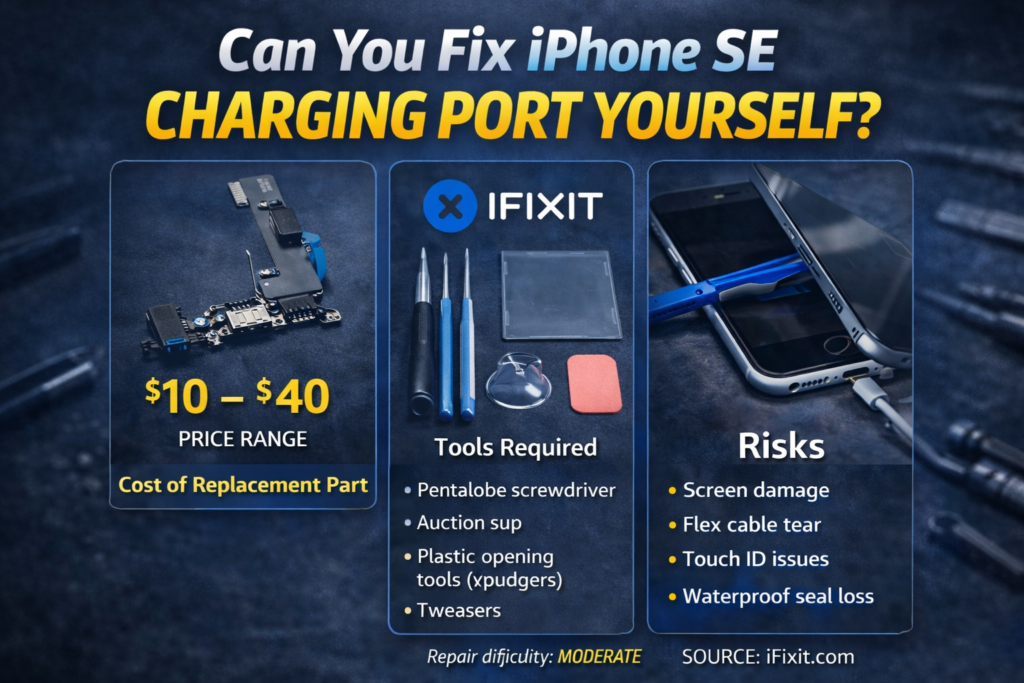
Cost of Replacement Part
You can buy the replacement flex cable assembly online for about $10 to $40, depending on the generation of your iPhone SE.
Tools Required
To open your iPhone and swap the part, you need a specialized toolkit:
- Pentalobe screwdriver
- Suction cup
- Plastic opening tools (spudgers)
- Tweezers
- Heat pad (to soften the adhesive)
Risks
DIY repair is not without danger. According to repair experts at iFixit, this is a moderately difficult repair. The risks include:
- Screen damage: You have to pry the glass screen off the frame. Pulling too hard can crack the display.
- Flex cable tear: There are delicate ribbon cables connecting the screen to the motherboard. One slip can tear them.
- Touch ID issues: The home button is tied to your phone’s specific motherboard. If you damage the home button cable during repair, you lose Touch ID permanently.
- Waterproof seal loss: Opening the phone breaks the factory water-resistant seal.
How Long Does iPhone SE Charging Port Repair Take?
Time is money, especially when you are without your phone.
- Local shop: Usually takes 30 to 60 minutes. Many shops offer walk-in service.
- Apple: Can take 3 to 5 days if they have to mail it to a repair center, though some stores complete it in-house in a few hours.
- DIY: Plan for 1 to 2 hours, especially if it is your first time opening an iPhone.
Is It Worth Fixing the Charging Port on iPhone SE?
Before you spend money on a repair, consider whether it makes sense to fix the phone or just buy a new one. Think about the phone’s age, its overall condition, current battery health, and resale value.
If your battery drains in two hours and the screen is cracked, spending $100 on a charging port does not make sense. However, if the phone is in perfect shape otherwise, fixing it is a smart financial move.
| Situation | Fix | Upgrade |
| SE 2nd Gen in good condition | ✅ | ❌ |
| Old SE 1st Gen | ❌ | ✅ |
| SE 3rd Gen with dead battery & broken port | ❌ | ✅ |
How to Prevent iPhone SE Charging Port Damage
Once you fix the problem, you want to keep it from happening again. Preventative maintenance goes a long way.
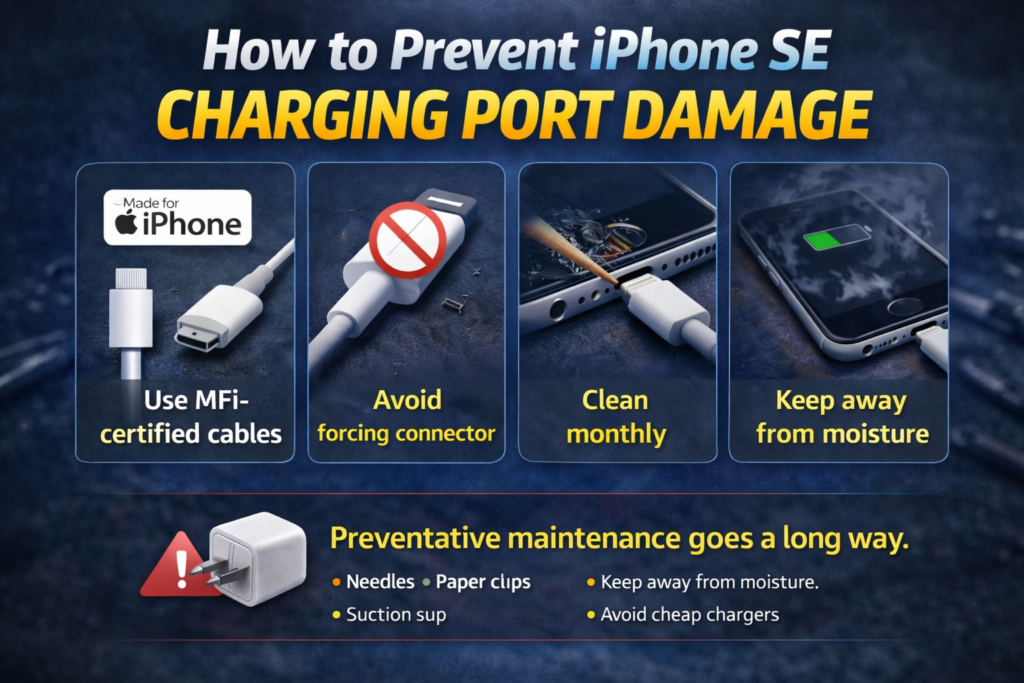
- Use MFi-certified cables: Cheap gas-station cables lack voltage regulation and can fry the tiny chips inside the port. Always look for the “Made for iPhone” badge.
- Avoid forcing the connector: If the cable does not slide in smoothly, stop pushing. Check for lint.
- Clean monthly: Make a habit of checking your port for dust and carefully removing it with a toothpick every few weeks.
- Keep away from moisture: Do not charge your phone in the bathroom while taking a hot shower. The steam can cause internal corrosion.
- Avoid cheap chargers: Stick to quality charging blocks from trusted brands to ensure steady power delivery.
Conclusion
Dealing with a faulty charging port can be frustrating, but in many cases, you can fix iPhone SE charging port issues without spending a fortune. Most problems are caused by compacted lint, damaged cables, or simple wear and tear. A careful cleaning often restores proper charging within minutes.
However, if your iPhone SE still refuses to charge after troubleshooting, a professional repair or full charging port replacement may be necessary. Before deciding, consider your phone’s age, overall condition, and repair cost versus upgrading.
By following the steps in this guide, you now know exactly how to diagnose, clean, repair, or replace your charging port safely. With proper maintenance and quality charging accessories, your iPhone SE charging port should last for the remaining life of the device.
Why is my iPhone SE charging port loose?
Your charging port usually feels loose because compact lint is preventing the cable from engaging the internal locking springs, or the internal metal brackets holding the port in place have broken from physical stress.
How much does it cost to fix iPhone SE charging port?
The iPhone SE charging port replacement cost ranges from $49 at a local repair shop up to $269 at an Apple Store out-of-warranty. DIY parts cost between $10 and $40.
Can a charging port be repaired without replacing?
Yes, most charging port issues are solved by simply cleaning out compacted pocket lint using a wooden toothpick and compressed air.
Why does my iPhone SE only charge at an angle?
If your phone only charges when the cord is held at an angle, the internal contact pins are either bent, corroded, or blocked by debris on one side.