

Does Your Router Slow Down Your Internet Speed? Here’s the Truth
No one wants this scenario: You are smack in the middle of a movie climax or an important video call and then, suddenly, everyone and everything freezes. The annoying buffering wheel spins, and your connection freezes. Is it just that your internet service provider (ISP) is having an off day, or could there be something else on that shelf at fault?
So yes—a router does affect internet speed, often more than people realize
One of the questions that a lot of individuals ask themselves is, “Does router affect internet speed” or “Can a router slow down internet speed?” The short answer is yes. Your router is the conduit between your internet-enabled device and the massive ocean of data on the internet. If that gateway is old, obstructed or in the wrong place, then it works like a bottleneck. But even if you shell out the cash to get the fastest plan possible, a bad router could still make it feel like you’re surfing via dial-up. In this guide, we’re going to look at just how your router can affect internet speed and what you can do about it.
Table of Contents
What is a Router’s Role in Your Network?
Think of the internet as water flowing into your home from a main pipe. Your modem is the tap that opens and lets the water flow, bringing the signal from your ISP into your home. Your router is the equivalent of the showerhead or sprinkler system, taking that flow and sending it to all the various gadgets in your house: your phone, laptop, television and gaming console.
If your “sprinkler” (router) is blhorcugaragonted, or if it’s built for a little garden and you’re trying to water a whole farm with it, the water pressure (speed) is going to drop. The router has a big job. It needs to somehow control the traffic, ensuring that your video call takes precedence over your smart fridge any time it wants to download hacks. It decodes the digital signals so your devices can make heads or tails of it and sends them through the air (Wi Fi) or down cables. If the device can’t keep up, it hobbles your internet speed no matter how fast the connection coming into your house is supposed to be.

How Does Router Affect Internet Speed?
So, does router affect WiFi speed? Absolutely. There are several ways your router can become the weak link in your internet chain. It’s not just about whether it works or not; it’s about how efficiently it processes information. Let’s break down the main factors.
Router Age and Technology
Technology moves fast. A router that was top-of-the-line five years ago is likely struggling today. Older routers have slower processors and less memory. Just like an old computer struggles to run modern video games, an old router struggles to handle the high-speed data streams we use for 4K streaming and Zoom calls.
If your router is older, it might have a maximum speed limit that is lower than what you are paying your ISP for. For example, if you pay for 500 Mbps (megabits per second) but your old router can only handle 100 Mbps, you are throwing money away. The router physically cannot push the data through fast enough.
WiFi Standards
You might have seen terms like “WiFi 5” or “WiFi 6” on box packaging. These are standards that tell you how fast and efficient the router is.
- WiFi 4 (802.11n): Older, slower, and gets crowded easily.
- WiFi 5 (802.11ac): Faster and better at handling multiple devices.
- WiFi 6 (802.11ax): The current standard for fast, efficient speeds, especially in homes with lots of smart devices.
If you are using a router with an older standard, it’s like trying to drive a race car on a dirt road. You just can’t reach top speed. Upgrading to a newer standard clears the road.
Physical Placement and Obstructions
WiFi is based on radio waves, and those are remarkably fragile. They dislike metal, concrete and water (such as the tanks used for fish). If you keep your router in a metal cupboard or behind a dense brick wall, the signal is muffled. Pushes the signal through: The router must work harder to push the signal through, so speeds slow and dead spots occur. Distance matters, too. The signal also grows weaker and slower the farther you are from the router.
Firmware and Updates
Your router is controlled by a software program known as firmware. Manufacturers issue updates to squash bugs, patch security vulnerabilities and occasionally speed up the device. But if you’re the type to never update your firmware, well, then that’s a brain that has aged. It might not be well-suited to efficiently handling a new type of traffic. This allows you to keep its software current, so your router is operating as smart as it can even if it may not need to work any harder.

Signs Your Router Might Be Slowing You Down
How do you know if the router is the villain in your internet story? It’s usually not a sudden break; it’s a slow decline or annoying glitches. Here are the most common signs that your router is the bottleneck.
Constant Buffering
If you’re trying to watch Netflix, Youtube, or other streaming video content online and the video keeps pausing to load or Buffering, your router might be struggling. It’s not able to process the video data quickly enough to maintain playback. This is a typical indicator of a “traffic jam” that has occurred within your router.
Frequent Disconnections
Is your WiFi connection dropping randomly? Perhaps your phone drops and then rejoins the call a minute later. This generally indicates that the router is overheating or its processor is reaching its capacity. It reboots itself in an effort to unjam it, knocking you off the internet in the process.
Slow Speeds on Multiple Devices
If only your phone is slow, then the problem might be your phone. But if your laptop, tablet and TV are moving like molasses at the same time, the issue is central. A popular query is, “does a router slow down internet for everyone?” Yes, it just because people congregate there. If the hub is dragging, everyone waits.
Weak WiFi Signal in Certain Areas
If you are getting full bars in the living room, but no bars in the kitchen, your router’s range is probably to blame. Older routers (or ones with poor antennas) can’t send the signal very far. This results in “dead zones” where speed plummets, approaching zero, despite what your internet plan may promise.
Speed Test Results Don’t Match Your Plan
This is the ultimate test. Connect a computer directly to your modem with a cable and run a speed test. Then, connect to your WiFi and run the test again. If the wired speed is 300 Mbps but your WiFi speed is only 20 Mbps, your router is losing a massive chunk of your speed. You can learn how to troubleshoot this further on sites like FixGuided.

How to Improve Your Router’s Performance
Before you rush out to buy new things, try fixing what you have. Sometimes, small adjustments can fix the issue with how router affects internet speed. Consider this a tune-up for your car.
Restart Your Router
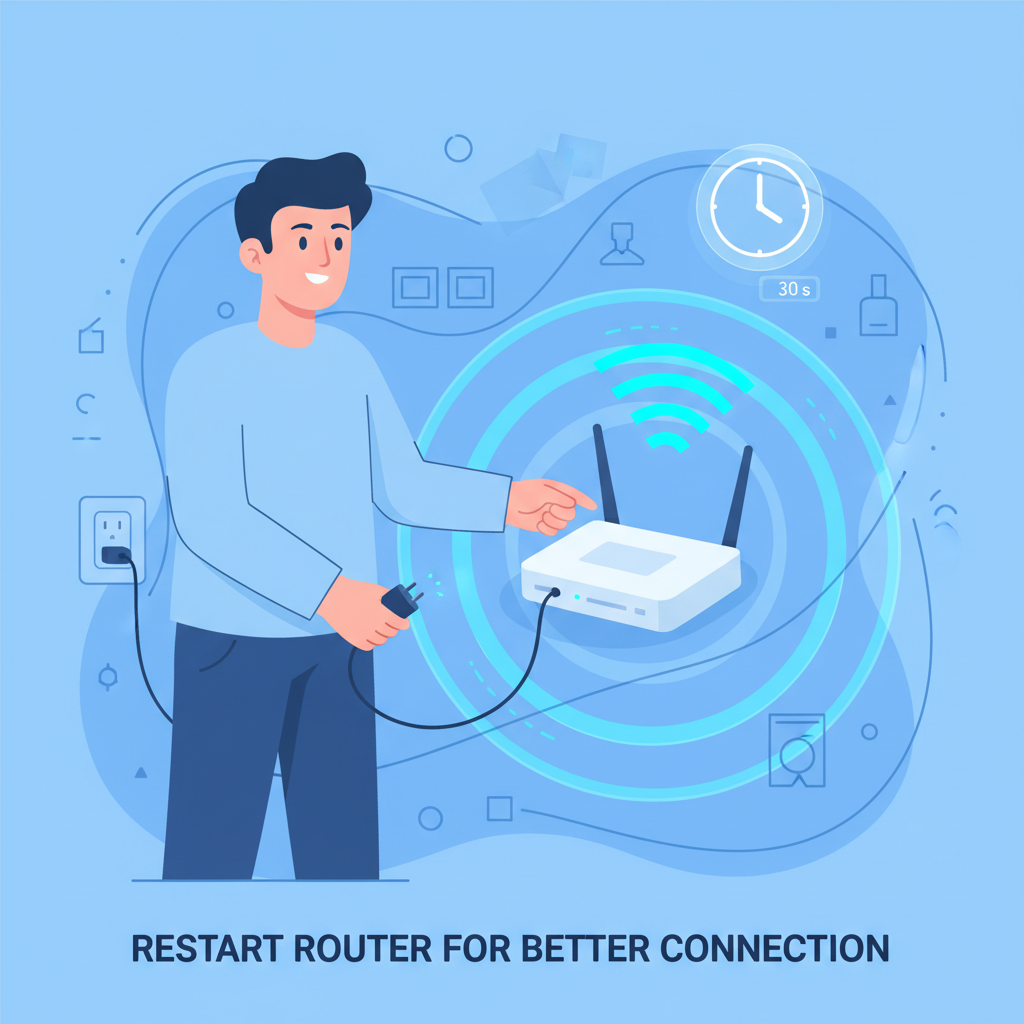
That should be a cliché, but sometimes turning it off and back on again is the best way to resolve a tech glitch. Inside routers are little computers, along with memory. That memory, however, gradually fills with digital “junk.” By restarting it you’re wiping out whatever was in its head and starting from scratch. Unplug it and wait 30 seconds before plugging it back in. Do this every month to keep things running well.
Find the Best Location
Don’t hide your router! It needs to breathe and broadcast.
- Centralize it: Put it in the middle of your home so the signal reaches all corners equally.
- Elevate it: Radio waves travel down and out. Putting the router on a high shelf is better than on the floor.
- Clear the path: Keep it away from thick walls, metal appliances (like microwaves), and other electronics that might interfere with the signal.
Update Your Router’s Firmware
Log into your router’s admin page (the instructions are usually on a sticker on the bottom of the device). Look for a section called “Firmware Update” or “System Update.” If there is a new version available, install it. This can fix security holes and optimize how the router handles traffic.
Change the WiFi Channel
Your neighbors’ WiFi might be interfering with yours. Think of WiFi channels like lanes on a highway. If everyone is driving in Lane 6, it gets jammed. You can switch your router to a less crowded “lane” (channel). Most modern routers do this automatically, but you can manually select channels 1, 6, or 11 in the settings to see if it helps.
Use a Wired Connection for Key Devices
WiFi is convenient, but Ethernet cables are faster and more stable. If you have a gaming PC, a Smart TV, or a work laptop that stays in one place, plug it directly into the router with a cable. This takes the load off the WiFi network, leaving more “air space” for your phones and tablets. It’s a win-win for speed.
When to Consider a New Router
Sometimes, no amount of tweaking can save an old device. You need to ask yourself, “does upgrading router improve internet speed?” If your current router is holding you back, the answer is a resounding yes.
Consider buying a new router if:
- It is more than 5 years old. Tech has advanced too much since then.
- You rent it from your ISP. The rental fees add up, and the equipment is often mediocre. Buying your own usually pays for itself in a year.
- You have upgraded your internet plan. If you now have Gigabit internet but an old router, you physically can’t get the speeds you pay for.
- You have added many smart devices. If you now have smart bulbs, cameras, and speakers, you need a router designed to handle 20+ devices at once.
Check out reviews on reliable tech sites like The Tech Wire to find a model that fits your budget and home size.
Frequently Asked Questions
How often should I replace my router?
Generally, every 3 to 5 years. If you upgrade your internet plan to a much faster speed, you should check if your router can handle it. If you start adding lots of smart home devices, you might need to upgrade sooner to keep everything connected without lag.
Will a new router make my old computer faster?
It might help with internet loading times, but it won’t make the computer itself faster. If your computer is slow opening programs or starting up, a new router won’t fix that. However, web pages will load snappier, and downloads will finish quicker.
Does my Internet Service Provider (ISP) control my router’s speed?
They control the speed coming to the router, but not usually the router itself (unless you rent it from them). If they send 500 Mbps to your house, but your router is broken, they are doing their job, but you still have slow internet. You can compare provider speeds at HighSpeedInternet.com.
Is a more expensive router always better?
Not always. A $500 gaming router is overkill for a small apartment where you just check email. However, super cheap routers often have weak processors and poor range. Look for a mid-range router that supports WiFi 6 for the best balance of price and performance.
What’s the difference between a router and a modem?
The modem brings the internet into your house (communicates with the ISP). The router shares that internet with your devices (communicates with your phone/laptop). Sometimes they are combined into one box called a “gateway,” but they have two different jobs.
How do I run an internet speed test?
Go to a speed test website on your computer or phone. Make sure you are close to the router. Click “Go” and wait. It will show you your download and upload speeds. Compare these numbers to what your internet bill says you should be getting.
Can too many devices slow down my router?
Yes. Every device connected to WiFi takes a slice of the “speed pie.” If you have 40 devices connected, the slices get very thin. Older routers especially struggle to juggle data for many devices at once, causing slowdowns for everyone.